How To Change Number On SASSA Application?
If you no longer have access to the phone number linked to your SASSA SRD grant, it’s crucial to update it promptly to maintain your grant communications. This guide covers both online and offline methods for updating your phone number, ensuring you don’t miss out on important updates regarding your grant.
Why Update Your Number?
Updating your contact number with SASSA is crucial for several reasons. Accurate contact information ensures you remain connected with SASSA, receiving timely updates and critical information related to your benefits. Here are some key points highlighting the importance of updating your number and the consequences of not doing so:
“Importance of Accurate Contact Information”
- Timely Notifications and Updates:
SASSA regularly sends out notifications about your application status, benefit disbursements, and any changes in policy or procedure. Having an accurate phone number ensures you receive these notifications promptly, keeping you informed about important matters related to your social security benefits.
- Emergency Alerts:
In case of any urgent updates or changes that might affect your benefits or require immediate action, SASSA can reach you quickly through your contact number. This is particularly important during unforeseen circumstances or emergencies where timely information can make a significant difference.
- Verification Purposes:
SASSA may need to verify your identity or the details of your application through phone verification. An accurate phone number helps streamline this process, ensuring that your benefits are processed without unnecessary delays.
Methods to Change Phone Number on the SASSA Application
Updating your contact information for the SRD grant on the SASSA website is easy. It helps you get important messages about your grant. Just follow these steps to change your phone number safely and quickly. Here’s a simple guide to help you do it on the SASSA website.
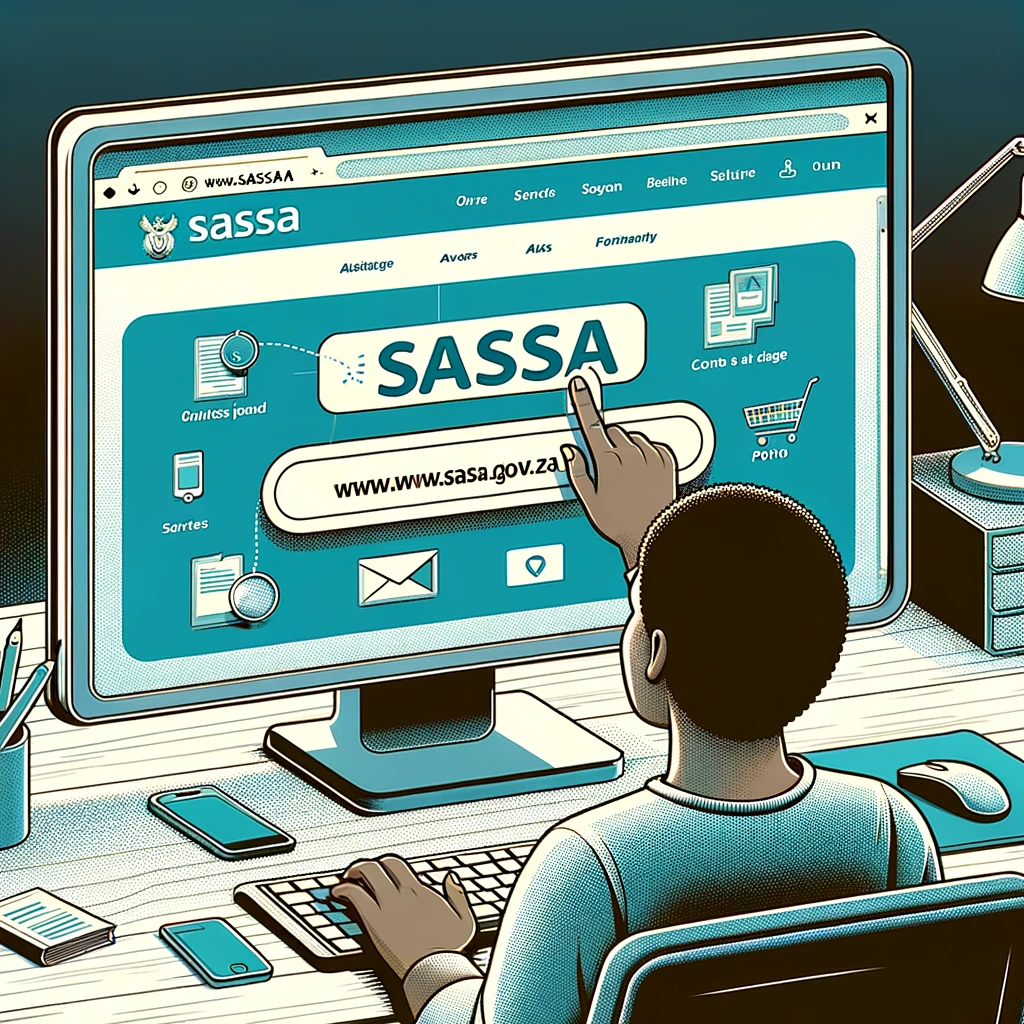
STEP 1: Navigate to the “SASSA Portal”
Start by going online and visiting the official SASSA website using the link provided. This is where you can manage your SRD grant.
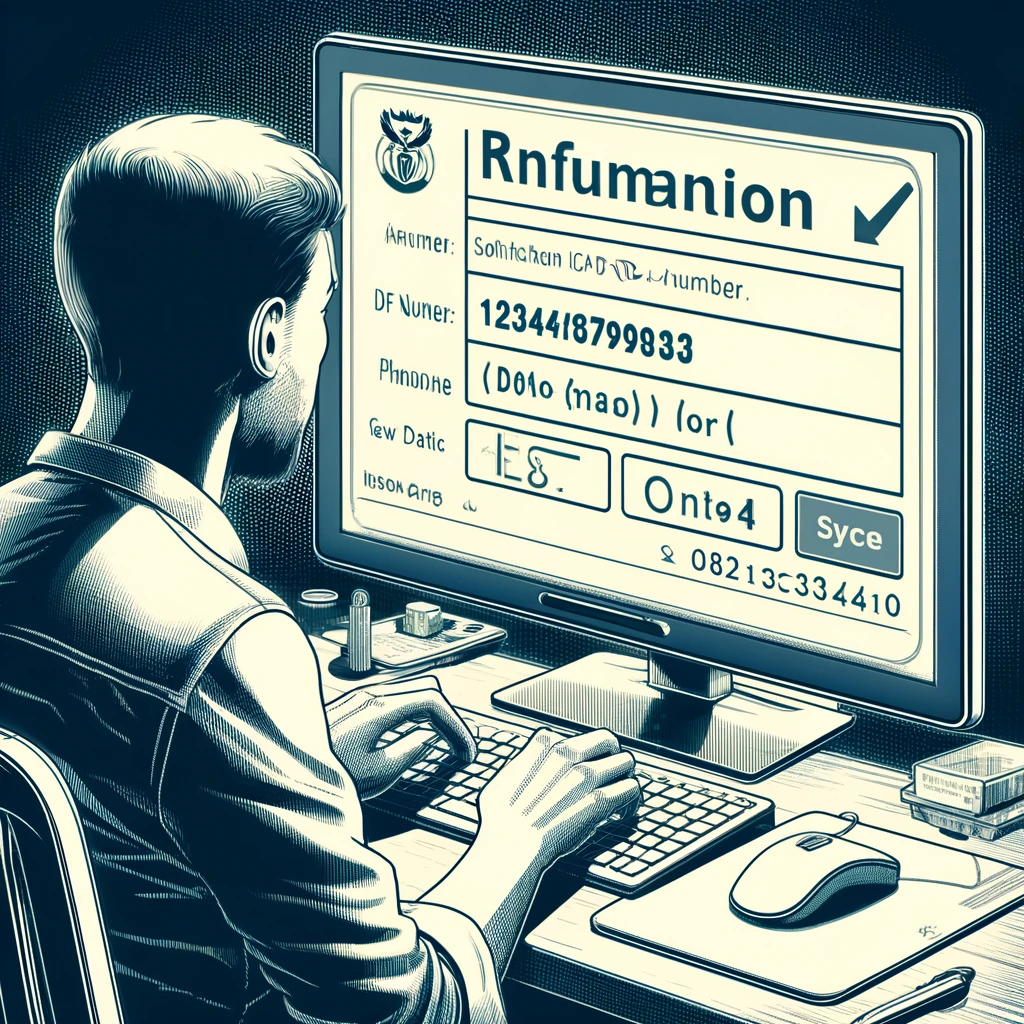
STEP 2: Input “Required Information”
Put in your South African ID number and the phone number you first used when applying for the grant. This helps SASSA identify you correctly.
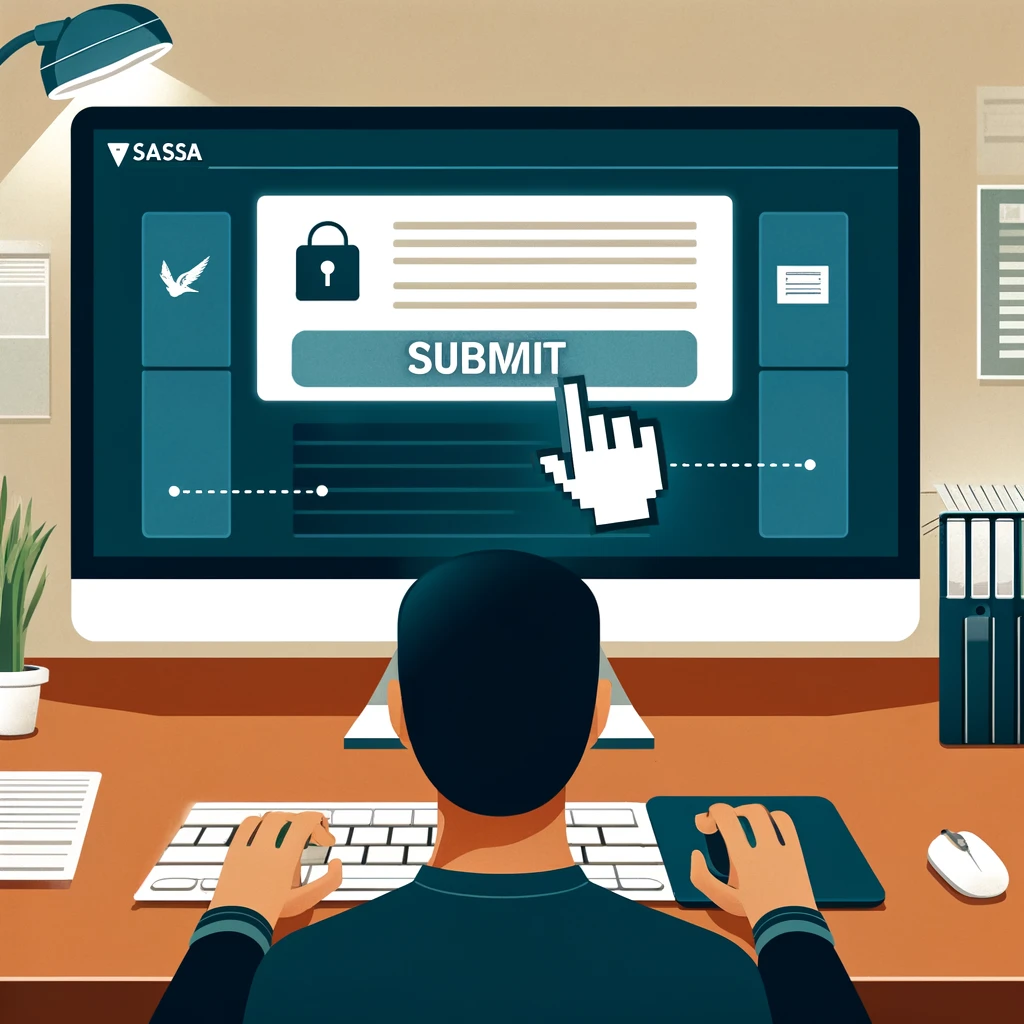
STEP 3: Confirm Your Submission
Once you’ve filled in your details, click on the button that says “Submit”. This tells SASSA you’re done entering your information and ready to move forward.
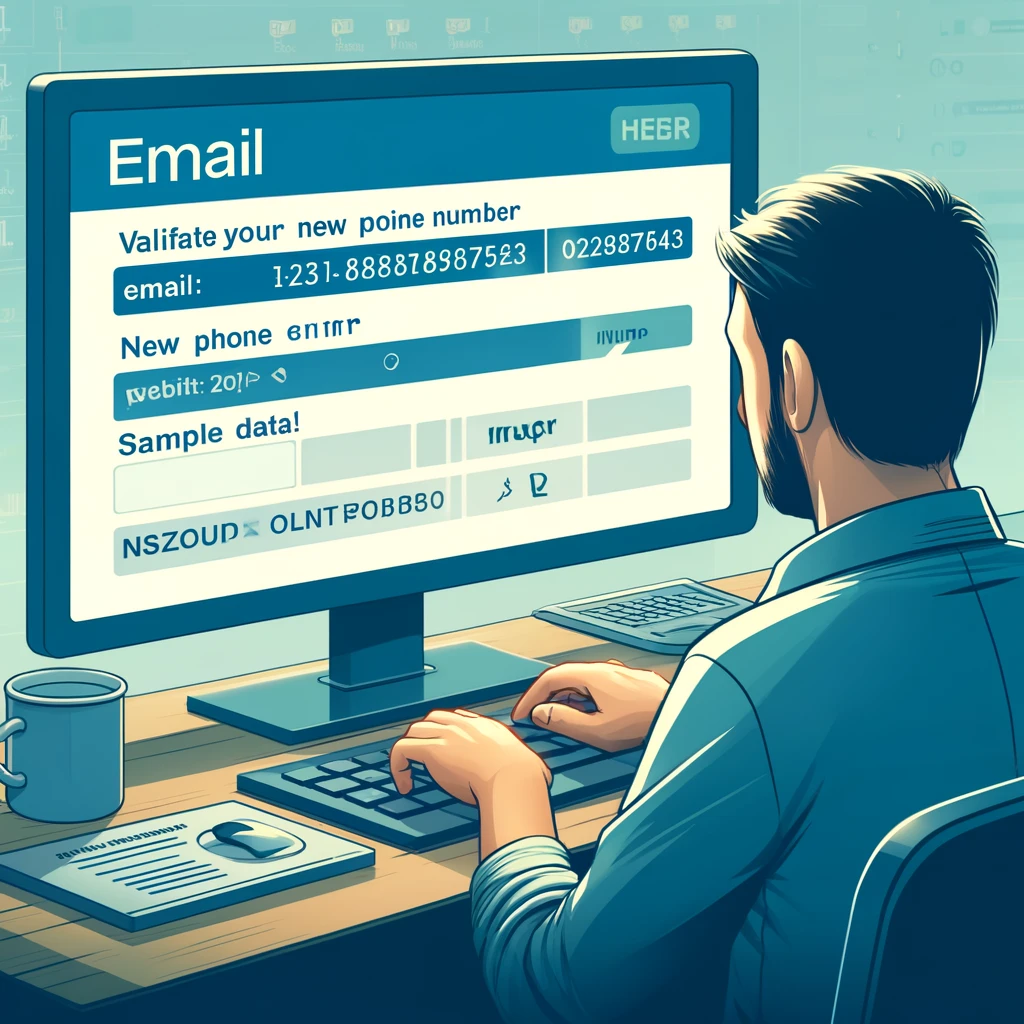
Step 4: Validate Your “Email” and “New Phone Number”
Applicants need to enter the real “Email” and “Phone No” that was mentioned on the application for verification.
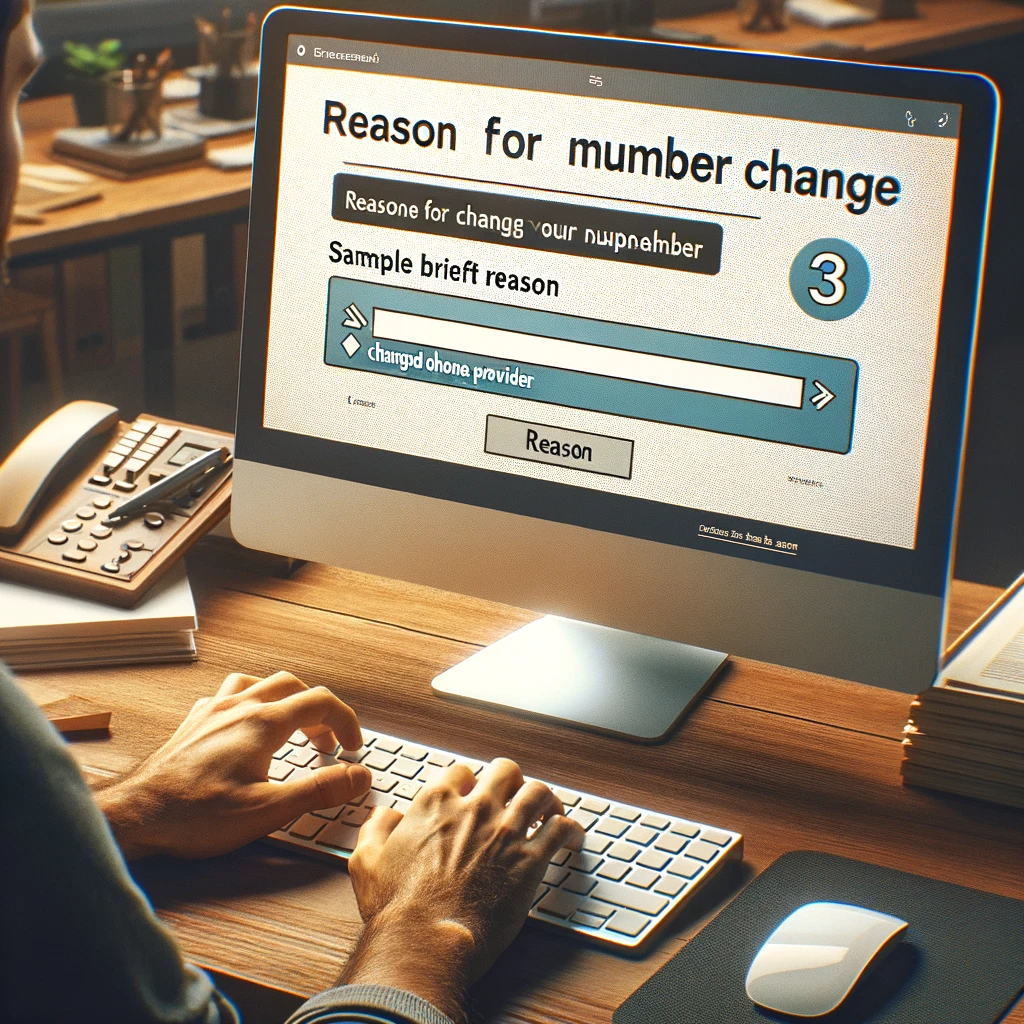
Step 5: Indicate the Reason for Your Number Change
You might be asked to say why you want to change your contact details. Just give a brief reason, so SASSA understands what’s happening.
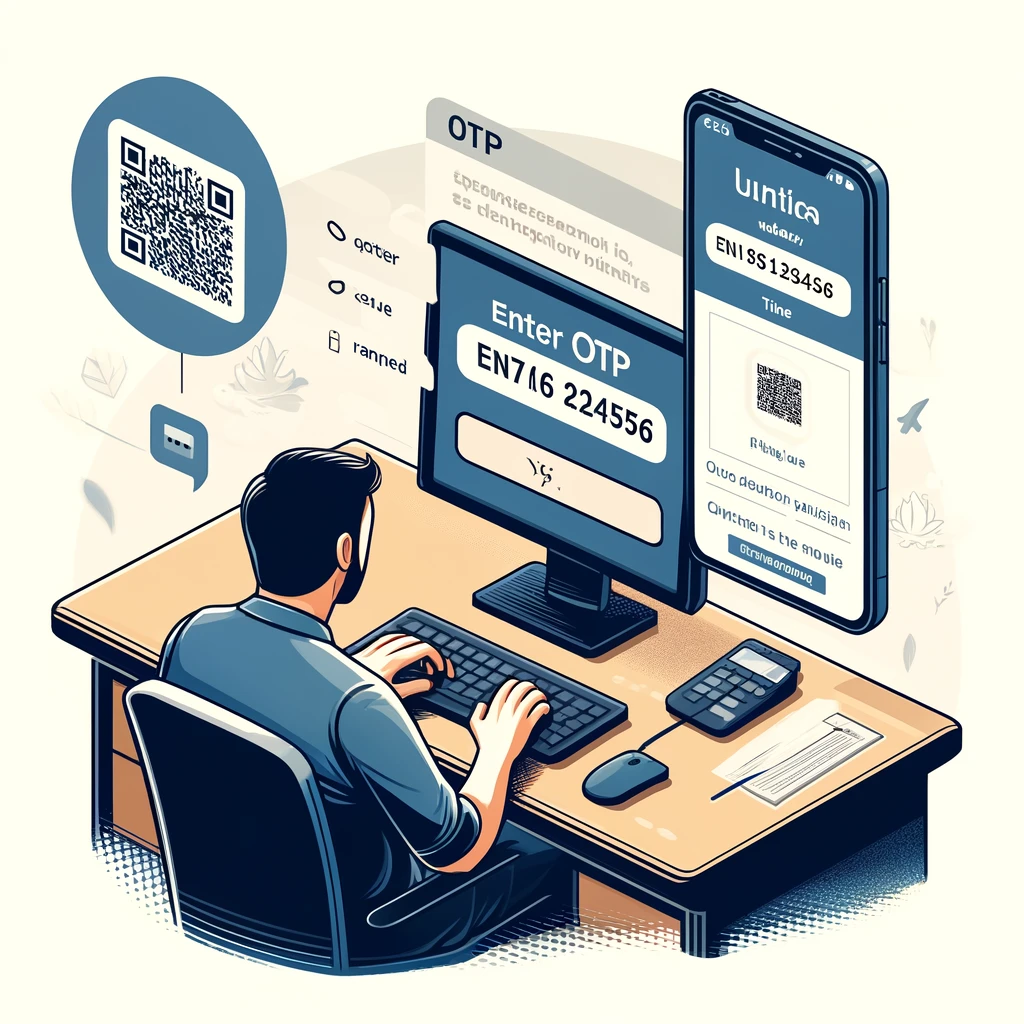
Step 6: Complete OTP Verification
SASSA will send a special code to your new phone number. When you get it, type the code into the website to prove it’s really you making the change. This keeps your information safe and secure.
Requirements To Change Srd Phone Number
Making changes to your SASSA 350 number needs a few important things to happen smoothly. It’s important to know what you need to do, whether you’re updating your details or getting a new number. Let’s talk about the important things you need to do SRD SASSA to change phone numbers properly.
- SASSA Application Phone Number.
- Application ID
How To Change Srd Phone Number Without Application ID?
To see if you’ll get money from the Social Relief of Distress (SRD) grant in South Africa and to change any of your details, you just need to do a few easy things. First, go to the SRD Grant Status Check Page. Then, put in your personal details. This will quickly tell you if your grant application is approved or not.
Lost your application ID? Retrieve it effortlessly:
- Visit the SASSA Website at https://srd.sassa.gov.za/sc19/status.
- Navigate to the SRD Grant Section
- Access the Contact Information Update Page
- Enter Your Personal Information
- Select the Phone Number Update Option
- Provide Your New Phone Number
- Verification Process
- Indicate the Reason for the Change
- Submit Your Request
- Check for Confirmation
Reasons for Updating Your Phone Number
Common reasons include:
- Changed Phone Provider
- Lost or Stolen Phone
- Upgrading to a New Number
- Personal Security Concerns
- Moving to a Different Region
- Changing from Landline to Mobile
- Incorrect Number on File
- Better Network Coverage
Key Points to Remember When Updating Your Contact Details
- Patience is key if encountering website issues; retry as needed.
- Ensure the accuracy of your new phone number before finalizing.
- Securely store your application ID for future reference.
- Provide a valid reason for the phone number change to avoid complications with SASSA.
- If your grant withdrawals are through a cardless ATM, confirm that your new number is RICA-registered.
FAQ:
How do I change my phone number on the SASSA application?
- Online: Visit the SASSA SRD website and navigate to the contact update section. Enter your ID number and either your old phone number or application ID. Follow the prompts to enter your new phone number and verify it with an OTP sent to the new number.
- By Phone: Call the SASSA helpline at 0800 60 10 11. Provide your personal details for verification, and request to update your phone number. Follow the instructions given by the SASSA representative.
What to do if you lost your phone number on the SASSA application?
If you’ve lost the phone number registered on your SASSA application:
- Update your phone number using the methods described above to ensure you continue to receive updates about your grant.
- If you cannot update the number online and cannot access the old number for OTP verification, contacting SASSA directly via their helpline is recommended to resolve the issue.
How do I change my SASSA account?
Changing details on your SASSA account generally refers to updating personal information such as your contact details or bank account information:
- Contact Details: Follow the steps mentioned for changing your phone number. The same portal or helpline can be used to update other contact details.
- Bank Account Details: To change bank account information, you will need to visit your nearest SASSA office with your ID, old bank account information, and proof of the new bank account.
How do I edit my SASSA application?
Editing your SASSA application can be done through the SASSA website or by contacting their customer service:
- Before Approval: If your application hasn’t been processed yet, you can make changes by logging into the SASSA portal with your application ID and making necessary updates.
- After Approval: Once your application has been approved, significant changes (like bank details or contact information) need to be made at a SASSA office or through the helpline, as more stringent verification might be required.